
Are you struggling to organize scattered brand files and creative media? Implementing a Digital Asset Management Library solves this universal business challenge. By centralizing your files, you empower your team to find, share, and utilize brand assets instantly and securely.
This guide explores exactly how a Digital Management Library transforms organizational workflows. We cover core benefits, essential software features, and expert implementation strategies. You will learn to avoid common integration mistakes, compare deployment models, and unlock the full potential of your brand’s digital ecosystem efficiently to maximize your return on investment.
Understanding the Digital Asset Management Library Ecosystem
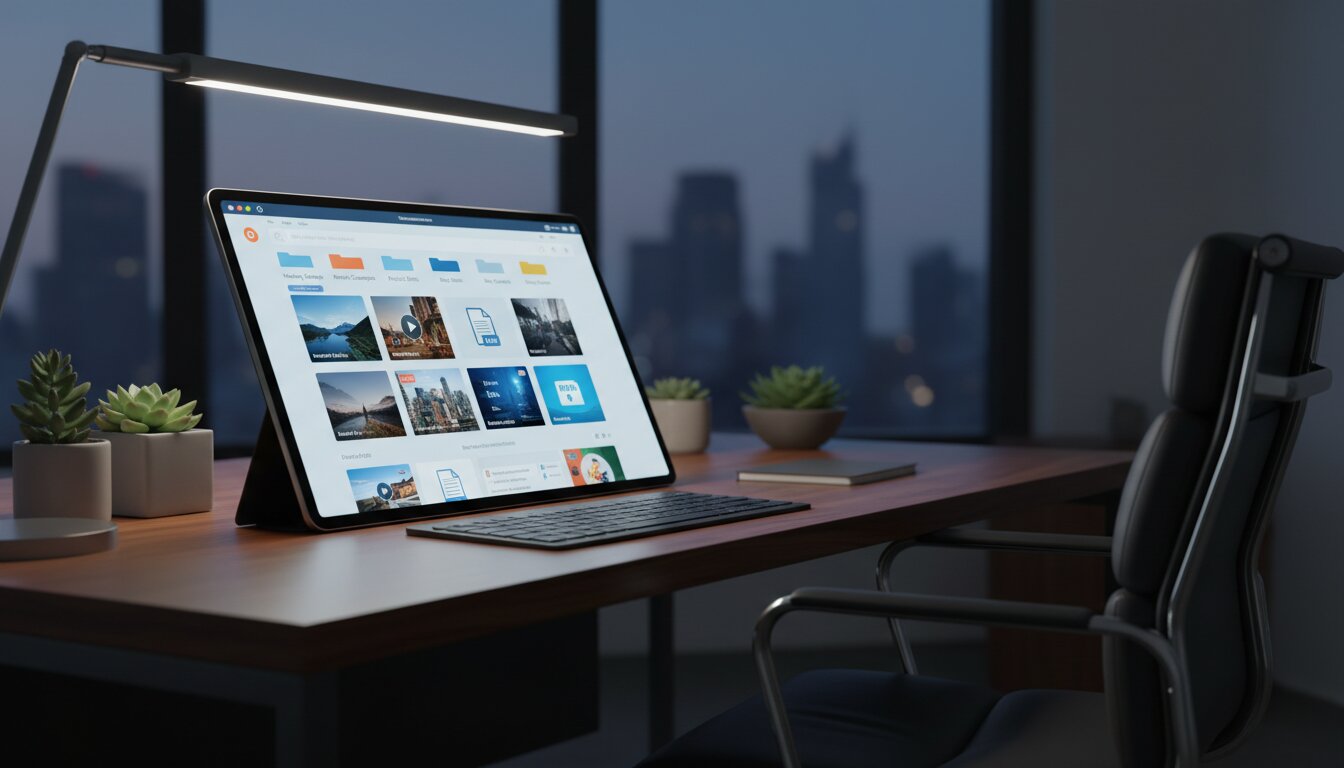
A Digital Asset Management Library functions as the single source of truth for an organization’s media files. Businesses today generate massive volumes of photos, videos, audio files, and marketing documents. Without a structured system, these files end up scattered across hard drives, personal cloud accounts, and email threads. A dedicated Digital Asset Management Library centralizes this content, ensuring every authorized user can locate the exact file they need in seconds.
Organizations across all industries rely on a Digital Management Library to streamline their daily operations. When marketing teams need to launch a global campaign, they depend on this infrastructure to provide approved logos, high-resolution product imagery, and localized copy. Implementing a Digital Asset Management Library prevents the costly recreation of lost assets and eliminates the bottleneck of waiting for designers to email specific files.
The architecture of a robust Digital Asset Management Library goes far beyond basic file storage. It utilizes complex metadata taxonomy to categorize files intelligently. This means users search for contextual terms rather than guessing exact file names. Through advanced content lifecycle management, the system tracks an asset from its initial creation through its active usage and eventual archiving.
The Shift from Basic Storage to Intelligent Systems
Basic cloud storage folders force users to navigate rigid hierarchies. A Digital Asset Management Library introduces fluid, search-driven navigation. You simply type what you need, and the system retrieves it based on tags, visual recognition, and embedded data. This intelligence transforms a static repository into an active workflow engine.
Building a Foundation for Scalable Growth
As your business grows, your content library grows exponentially. A Digital Asset Management Library scales effortlessly alongside your organization. It handles increasing file sizes, supports a growing user base, and integrates with other enterprise software. This scalability ensures that your investment in a Digital Asset Management Library remains valuable for decades.
Core Benefits of a Digital Asset Management Library

Adopting a Digital Asset Management Library yields immediate and measurable benefits across your entire enterprise. The advantages extend far beyond the marketing department, impacting sales, external partners, and executive leadership.
Driving Operational Efficiency
Time is a company’s most valuable resource. A Digital Asset Management Library drastically reduces the time employees spend searching for files. When a sales representative needs a presentation deck, they access the Digital Asset Management Library directly and download the latest version. This self-service model frees up creative teams to focus on actual design work rather than acting as file librarians.
By eliminating the chaotic search process, a Digital Asset Management Library accelerates project timelines. Campaigns launch faster, products reach the market quicker, and internal communication becomes frictionless. The cumulative hours saved across a large organization translate into massive financial savings.
Ensuring Ironclad Brand Consistency
Brand inconsistency damages consumer trust. When employees use outdated logos or unapproved graphics, your brand identity suffers. A Digital Asset Management Library enforces brand identity guidelines automatically. Administrators set permissions so users only see and download approved, current assets.
If a logo undergoes a redesign, the administrator updates the file within the Digital Asset Management Library once. The system instantly propagates this update, ensuring no one accidentally uses the retired version. This centralized control provides peace of mind for brand managers and legal teams alike.
Key Features of a High-Performing Digital Asset Management Library
To truly revolutionize your workflows, your chosen Digital Asset Library must possess specific technical capabilities. Understanding these features helps you select the perfect software for your specific business needs.
Intelligent Metadata and Search Capabilities
The heart of any Digital Asset Management Library is its search engine. Superior systems use artificial intelligence to auto-tag images upon upload. If you upload a photo of a laptop on a desk, the Digital Asset Management Library automatically applies relevant keywords. This smart tagging, combined with custom metadata fields, ensures assets never get lost in the digital void.
Automated Version Control
Creative files undergo numerous revisions before final approval. A Digital Asset Library tracks every iteration of a file through automated version control. Users can view the history of a document, compare changes, and revert to previous versions if necessary. This feature eliminates the confusion of having multiple files named “Final_Version_V2_Actual_Final” cluttering your system.
Seamless Software Integrations
A Digital Asset Management Library should never operate in isolation. It must connect with your existing technology stack. Look for platforms that integrate directly with creative software, content management systems, and project management tools. This connectivity allows designers to pull assets directly from the Digital Asset Management Library into their editing software without downloading and re-uploading files.
Comparison: Cloud vs. On-Premise Digital Asset Management Library
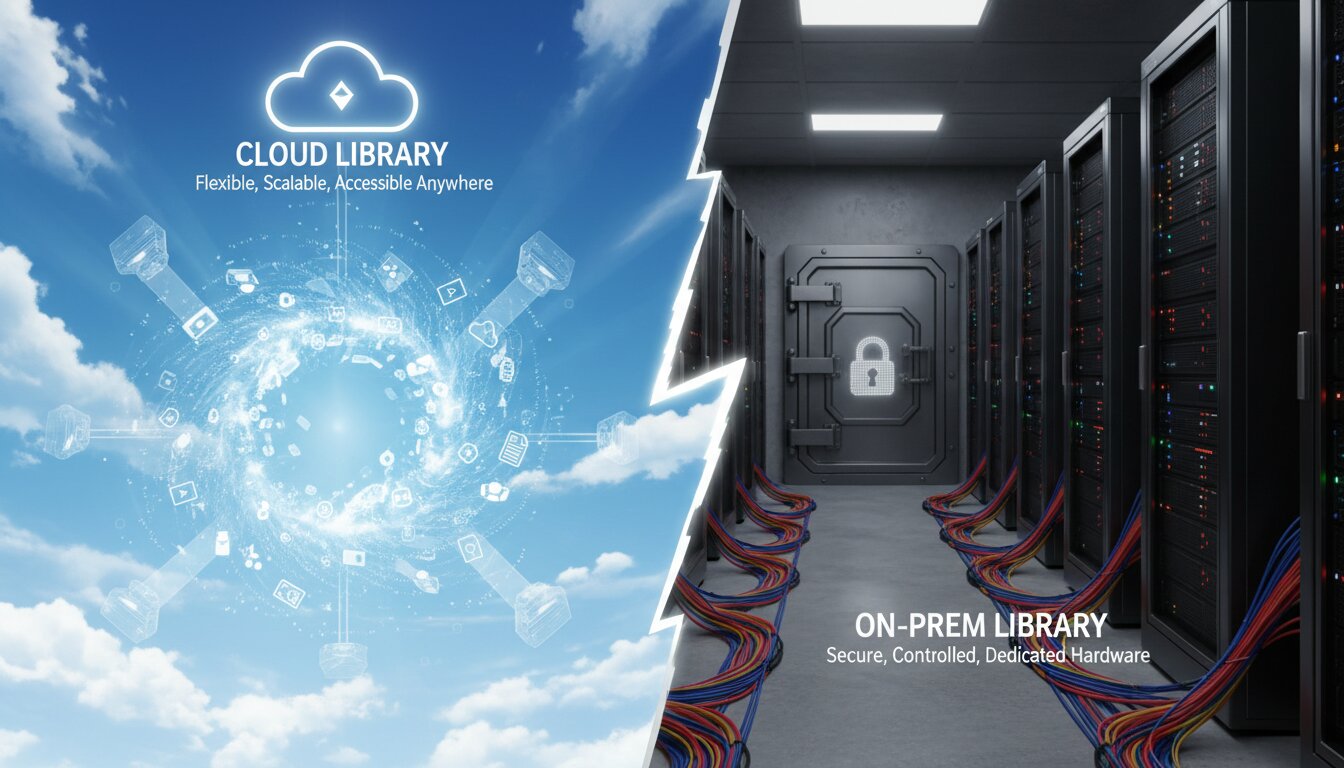
When implementing a Digital Asset Management Library, businesses must choose between cloud-based and on-premise solutions. The right choice depends on your security requirements, budget, and IT infrastructure.
|
Feature |
Cloud-Based Digital Asset Management Library |
On-Premise Digital Asset Management Library |
|---|---|---|
|
Deployment Speed |
Rapid implementation, ready in days |
Lengthy setup requiring hardware installation |
|
Cost Structure |
Predictable monthly or annual subscription |
High upfront capital expenditure |
|
Accessibility |
Accessible from anywhere with an internet connection |
Restricted to internal company networks |
|
Maintenance |
Handled entirely by the software provider |
Requires internal IT resources and monitoring |
|
Scalability |
Easily scalable by upgrading subscription tiers |
Requires purchasing and installing new hardware |
Most modern organizations opt for a cloud-based Digital Asset Management Library due to its flexibility and lower initial costs. This approach leverages flexible cloud storage architecture to provide seamless access for remote teams and external agencies. However, highly regulated industries might still prefer an on-premise Digital Asset Management Library for absolute data sovereignty.
Expert Insights for Managing Your Digital Asset Management Library
Maximizing the return on your Digital Asset Management Library requires strategic oversight and continuous refinement. Industry experts recommend establishing clear governance policies from day one. You must define who has permission to upload, edit, and delete files.
Assign a dedicated digital librarian or asset manager to oversee the Digital Asset Management Library. This individual ensures that tagging conventions remain consistent and that users adhere to established protocols. A Digital Asset Management Library performs best when someone actively maintains its health and structure.
Furthermore, leverage digital rights management within your Digital Asset Management Library. Track the licensing agreements for stock photos and contracted artwork. The system can automatically restrict access to an asset once its license expires, protecting your company from costly copyright infringement lawsuits.
Common Mistakes to Avoid During Implementation
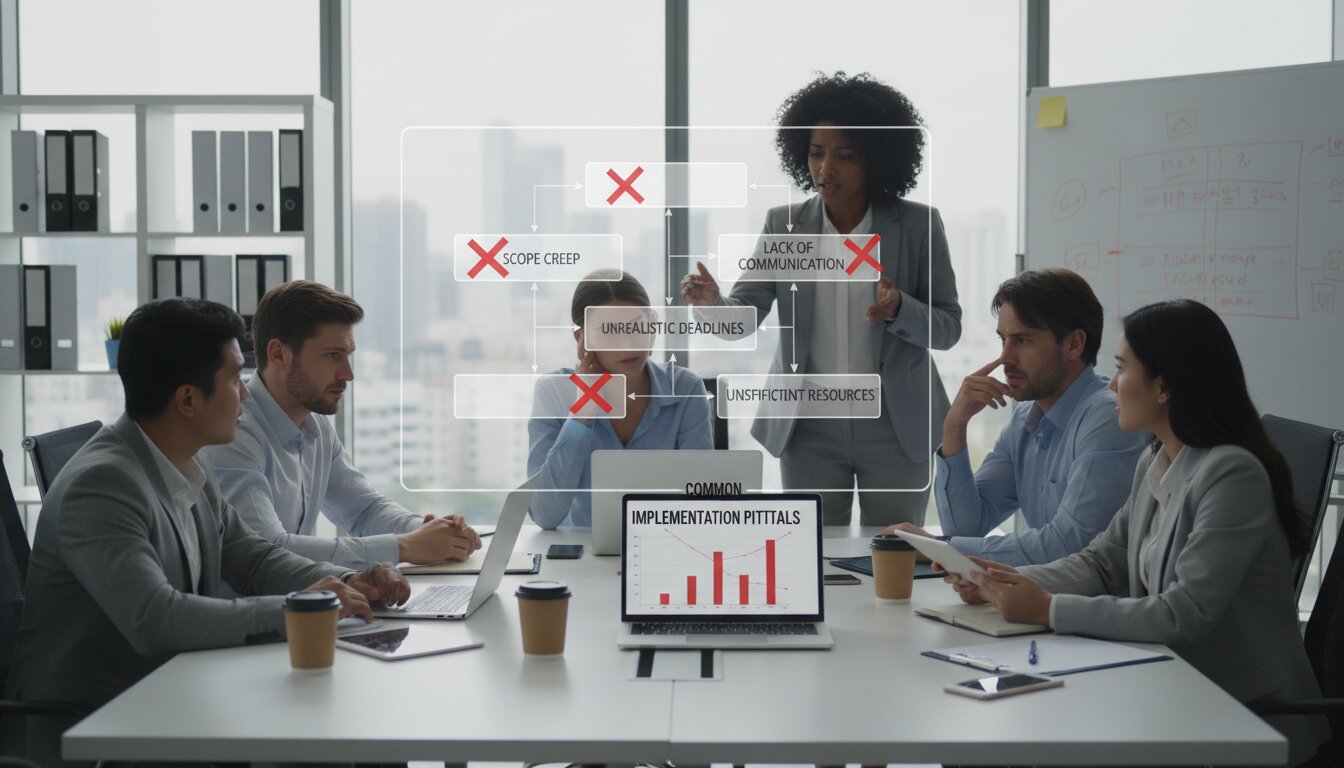
Many businesses rush the implementation of their Digital Asset Management Library and suffer poor adoption rates as a result. Avoiding these common pitfalls ensures a smooth transition and enthusiastic user engagement.
Neglecting User Training
A Digital Asset Management Library is only as effective as the people using it. Failing to train your team thoroughly guarantees frustration and low adoption.
- Conduct comprehensive training sessions tailored to different user roles
- Create accessible quick-reference guides and video tutorials
- Establish a support channel where users can ask questions directly
Overcomplicating Folder Structures
Some administrators try to recreate their messy desktop folders inside the new Digital Asset Management Library. This defeats the purpose of the software. Rely on metadata and search rather than deeply nested folders. Keep the core structure simple and let the tags do the heavy lifting.
Migrating Digital Trash
Do not migrate every single file your company has ever created into your new Digital Asset Management Library. Implementation is the perfect time for a massive digital audit. Delete obsolete files, archive outdated campaigns, and only upload relevant, high-quality assets. Filling your new Digital Asset Management Library with digital trash instantly degrades its search functionality and user experience.
Conclusion
Implementing a Digital Asset Management Library is a strategic necessity for any modern business handling digital content. By centralizing files, enforcing brand consistency, and drastically improving searchability, you empower your team to work faster and smarter. Stop losing valuable time searching for misplaced files. Invest in a robust Digital Asset Management Library today and take absolute control of your digital ecosystem.
FAQs
1. What exactly is a Digital Asset Management Library?
A Digital Asset Management Library is a centralized software platform designed to store, organize, manage, and distribute digital files securely. It supports images, videos, audio, and documents, helping teams collaborate efficiently while maintaining consistent access, control, and brand integrity across the organization.
2. How does a Digital Asset Management Library differ from standard cloud storage?
Unlike standard cloud storage that simply organizes files in folders, a Digital Asset Management Library uses metadata tagging, advanced search, version control, and permission settings. These features allow users to quickly locate, manage, and distribute assets with greater efficiency and accuracy.
3. Who in the company benefits most from a Digital Asset Management Library?
Marketing and creative teams are primary users, but many departments benefit. Sales teams access updated materials, IT ensures secure management, external partners collaborate easily, and executives gain better visibility into brand assets and overall content usage across the organization.
4. Is a Digital Asset Management Library secure?
Yes, a professional Digital Asset Management Library offers strong security features, including encrypted transfers, secure hosting, single sign-on authentication, and granular access controls. These measures ensure only authorized users can access, edit, or share sensitive digital assets safely.
5. How much does a Digital Asset Management Library cost?
Costs vary depending on storage, users, and features. Most cloud-based Digital Asset Management Libraries operate on a subscription model, typically ranging from a few hundred to several thousand dollars per month for enterprise-level solutions with advanced capabilities and support.
6. Can a Digital Asset Management Library integrate with existing software?
Yes, most modern Digital Asset Management Libraries integrate seamlessly with existing tools. They offer APIs and built-in connections to content management systems, project management platforms, and creative software, ensuring smooth workflows and improved productivity across teams.
7. How long does it take to implement a Digital Asset Management Library?
Implementation depends on system complexity and asset volume. Smaller organizations may complete setup in a few weeks using cloud platforms, while large enterprises with extensive data and customization needs may require several months for full migration and optimization.
8. Does a Digital Asset Management Library handle video files well?
Yes, modern platforms are optimized for large media files like videos. They include features such as built-in playback, automatic transcoding, preview generation, and the ability to clip or edit segments directly within the system for easier content management.
9. What is metadata in a Digital Asset Management Library?
Metadata is descriptive information attached to files, such as keywords, author, date, and usage rights. In a Digital Asset Management Library, metadata improves search accuracy, helping users quickly locate, organize, and manage assets efficiently across the system.
10. How do we ensure high user adoption?
Ensure adoption by keeping the system simple and intuitive, using structured metadata, and providing role-based training. Assign a dedicated administrator, maintain clear usage guidelines, and offer continuous support to encourage engagement and maximize long-term value.
